LognAI · 2026
Design System via Claude Code
Unifying our design source of truth by moving the design system from Figma into code with Claude Code.
- Role
- Designer and Front-End
- Team
- Designer, 2 Developers, Project Manager
- Timeline
- Ongoing
- Tools
- Figma, Figma MCP, Claude Code
The goal
Move the design system into code, then build with it
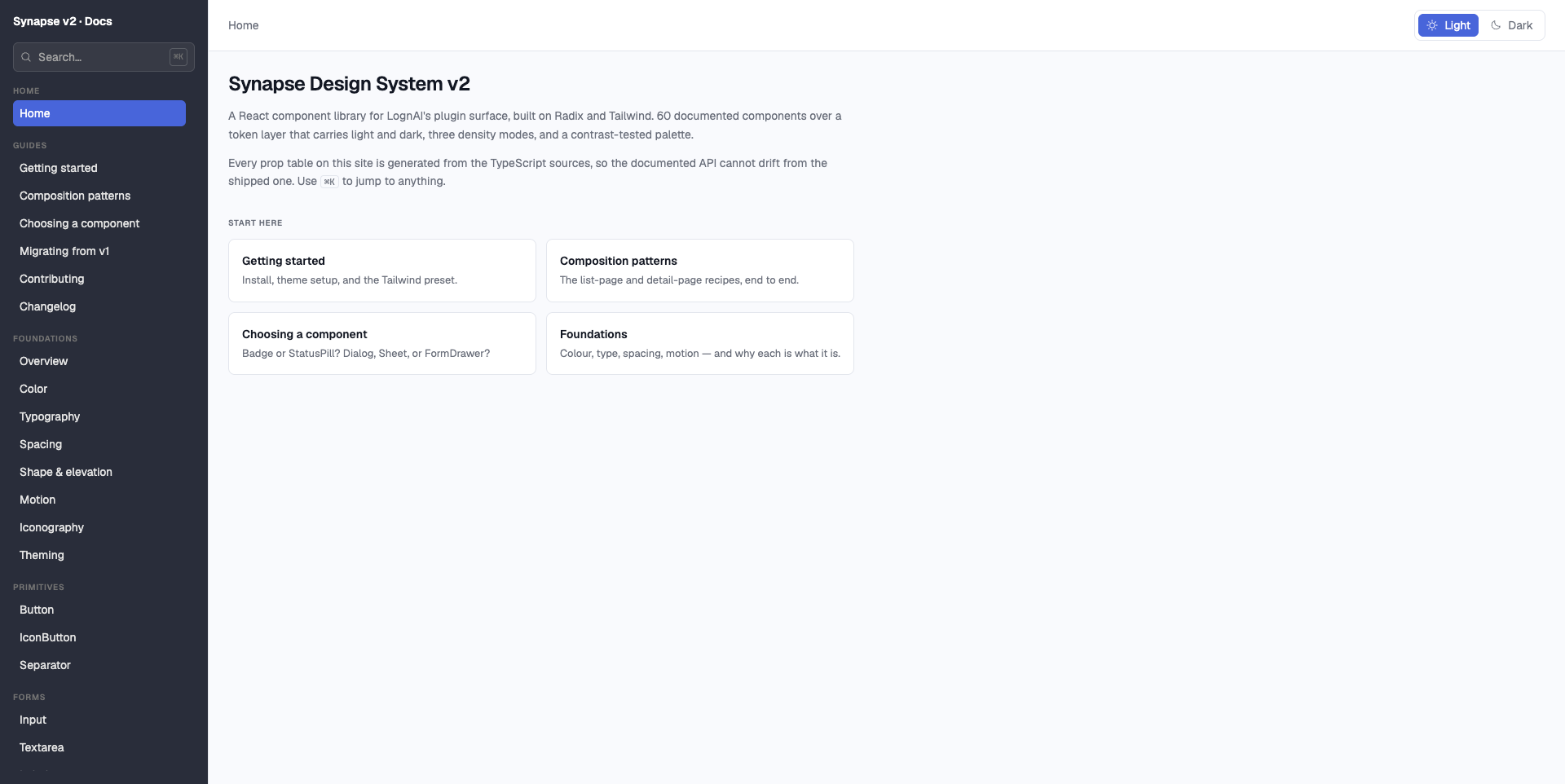
The project had two goals. The first was to move our design system from Figma to Claude Code and document it, so that code becomes the single source of truth for our foundations and components. The second was to build prototypes directly from that system, so that when we ideate on new modules, we work with the real components instead of redrawing them in Figma. The steps below cover the first goal, which makes the second one possible.
1. Connect
2. Document
3. Build
4. Extend
Step 1 · Foundations
Importing the style guide from Figma
I connected the Figma MCP to Claude Code, then started with the basic style guide: grids, colours and typography. I brought each one in either from a screenshot or by selecting the exact frame in the Figma file.
Step 2 · design.md
A single file the whole system follows
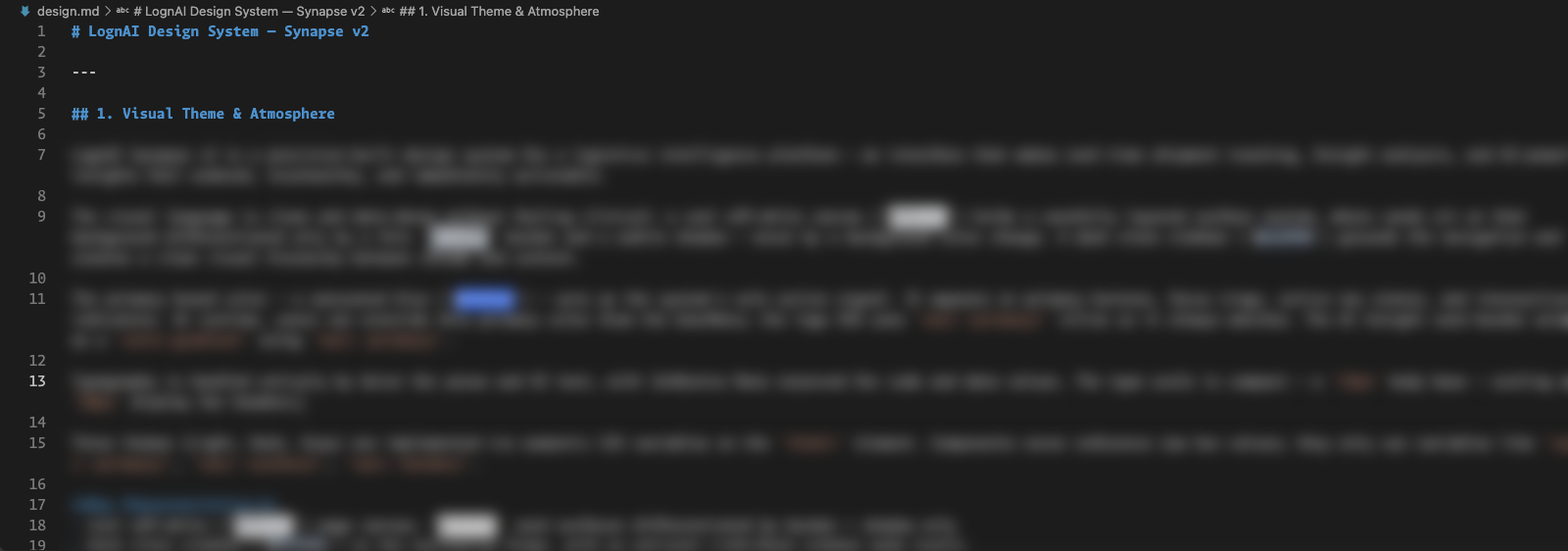
Next I created a design.md file, the single source of truth for the whole design system. Claude Code reads it every time it builds an existing or a new component, so every component follows the same rules.
Those rules include WCAG 2.2 AA guidelines: sufficient colour contrast, visible focus states, full keyboard navigation and proper labels for screen readers. Because they live in design.md, accessibility is built into each component from the start instead of being fixed afterwards.
Step 3 · Atoms & molecules
Building components, one level at a time
With the foundations in place, I built the atom and molecule components the same way. Matching Figma exactly took a lot of tweaking and prompting, but each fix improved the components that came after it.
Step 4 · Extending
Recreating what we had, and adding what we didn't
Using the same method, I rebuilt our existing components and designed new ones directly in code.
Step 5 · Rollout
Reviewed, shared and ready to prototype with
Once the components are built, a developer reviews the code wherever needed and pushes it to the central design system repository, which then becomes the single source of truth across the organisation. When we brainstorm new modules, we use these same components to build prototypes.
Learnings
What I took away
- Start with foundations. With grids, colours and type in code first, every component after them had something solid to build on.
- Write the rules down. design.md kept results consistent from one component to the next.
- Expect to iterate. Getting to a pixel-perfect match with Figma took a lot of prompting and refinement, not a single prompt.